
Interactive piece selection
Let users choose from the sectional components available within a specific collection.
PyxMagic Sectional Builder
Interactive Product Configurator
Give shoppers, designers and sales teams an intuitive way to assemble valid sectional layouts, understand dimensions and produce the information needed to purchase with confidence.
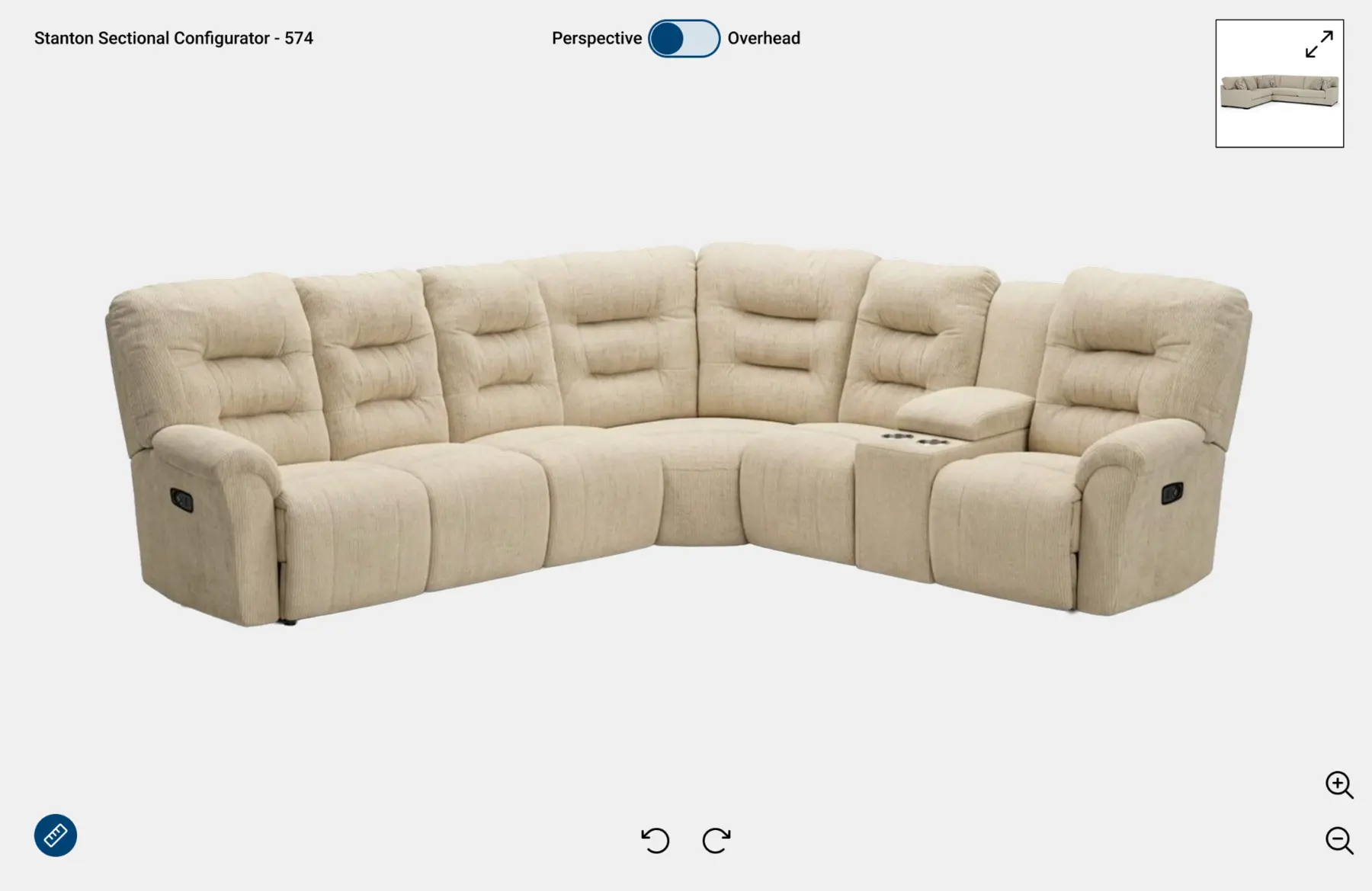
From complexity to confidence
Sectional programs are difficult to understand from static diagrams alone. PyxMagic Sectional Builder connects valid piece selection, dimensional planning and photoreal product presentation.
The experience can stand alone, live on a website or support in-store selling.
Two synchronized views
Move between a dimensioned overhead workspace and a lifelike product view so room planning and purchase confidence stay connected.
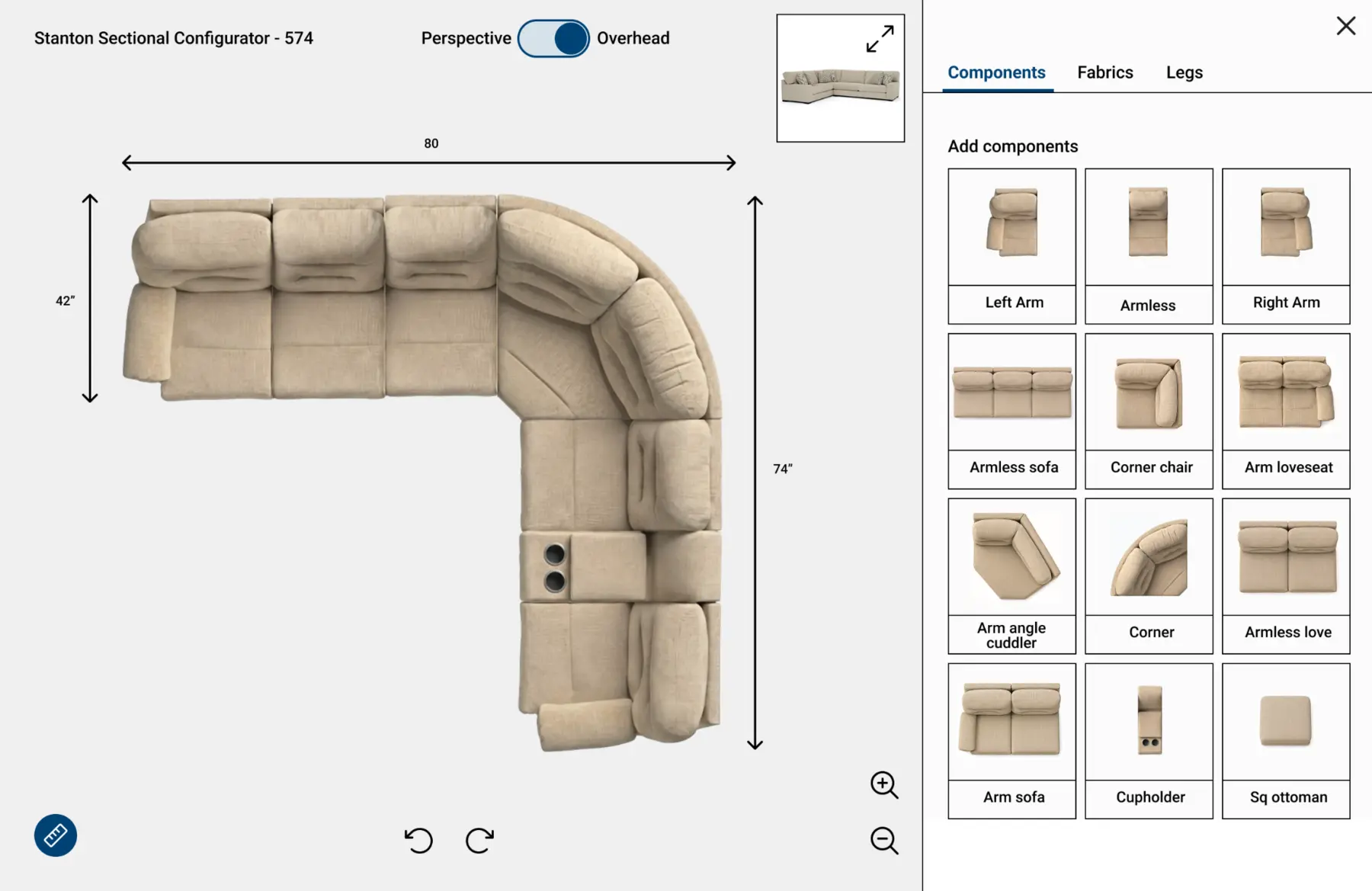
Overhead planning
Arrange valid pieces, review overall dimensions and understand how the configuration fits the room.
Photoreal perspective
Switch to a lifelike view that makes the configured product easier to understand and sell.
Core capabilities
Let users choose from the sectional components available within a specific collection.
Structure the experience around valid pieces, orientations and manufacturer-defined program rules.
Display overall measurements as layouts change so shoppers can evaluate room fit.
Support clear top-down planning with product imagery and perspective references.
Generate a clear PDF record that can be saved, shared, printed or used during ordering.
Keep collections, components, dimensions and program changes current over time.
One experience, multiple channels
Bring sectional planning directly into the digital shopping journey.
Help associates and customers work through layouts together on a kiosk or tablet.
Equip sales teams and designers with a consistent standalone configuration experience.
Deploy manufacturer-governed configuration across a distributed dealer network.
How an engagement works
Identify components, naming, orientation, dimensions, rules and selling channels.
Organize product photography, component imagery, dimensional data and optional materials.
Build the experience, test valid layouts and confirm output with product and sales teams.
Launch online or in-store and keep collections current as programs evolve.
Frequently asked
Yes. It can be deployed as a standalone sales tool, integrated into a website, or used in-store depending on the enterprise program.
Yes. The experience can calculate and display overall measurements as sectional pieces are arranged.
The tear sheet can document the selected collection, component configuration, layout, dimensions and other information defined for the program.
Yes. Manufacturer-governed experiences can be structured for distribution across participating dealer channels.
Built around your business
Tell us about your collections, configuration rules and selling channels. We will help define the right Sectional Builder program.
Questions? Contact Us